Beautify and Validate JSON. Zero Permissions.
A lightweight Chrome extension for developers who value privacy.
$9.99/yr after trial · No account required
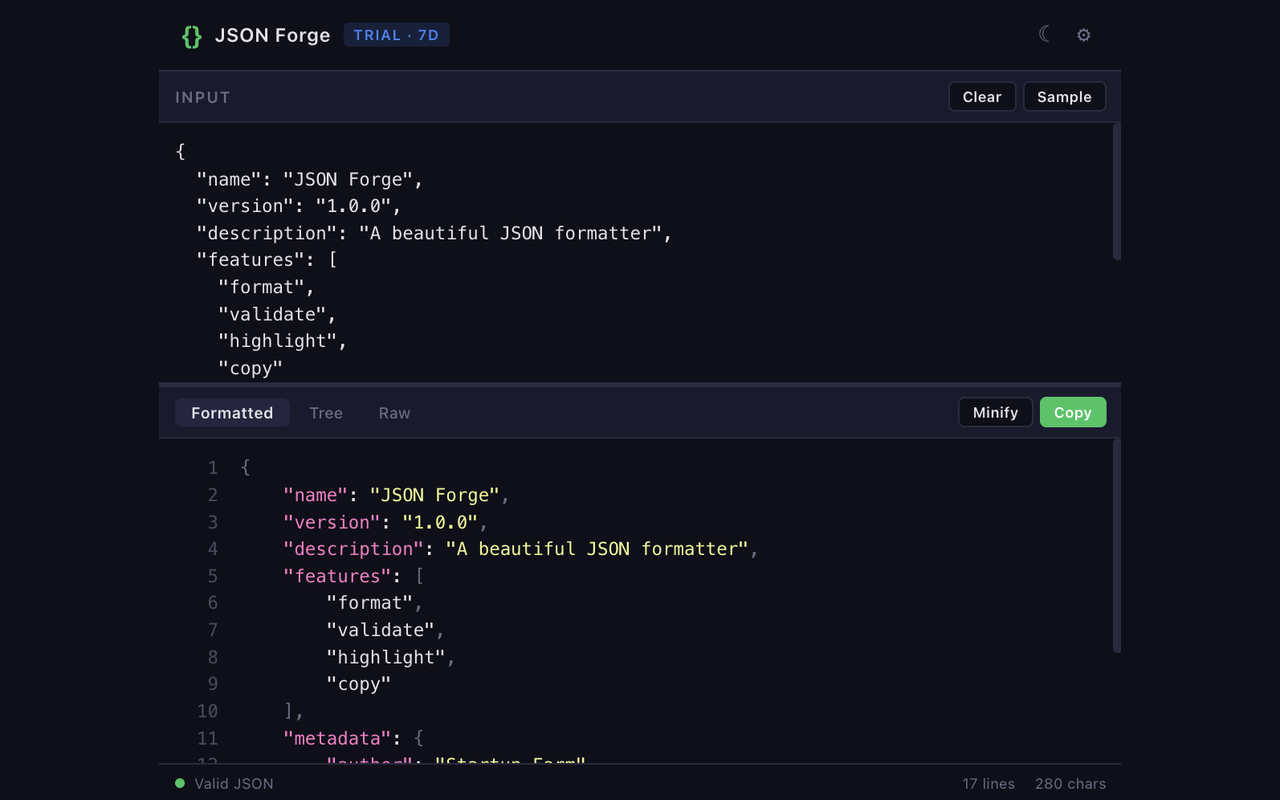
We're new and honest about it. What we can show you is the permissions manifest — and it's empty.
01 / Format
Minified mess in. Readable JSON out.
Paste anything — API responses, log payloads, config dumps. One keystroke formats it with syntax highlighting. It's a JSON formatter; it formats JSON. That's the pitch.
02 / Validate
Errors with line numbers, as you type.
Real-time validation against the JSON spec. No "invalid JSON" shrug — you get the line, the column, and what the parser expected instead. Trailing commas, unquoted keys, single quotes: caught before you paste it somewhere that matters.
03 / Privacy
Your data never leaves your browser. Period.
The JSON you paste is often the JSON you shouldn't paste anywhere: API keys, customer records, internal payloads. JSON Forge parses everything locally in the popup. There is no server, no telemetry, no "anonymous usage analytics."
Not a policy promise — a technical fact. With zero permissions and no network access, sending your data anywhere isn't something we chose not to do. It's something the extension can't do.
The differentiator
Every other JSON formatter asks for host permissions.
"Read and change all your data on all websites" is the standard ask — usually so the extension can auto-format JSON responses in tabs. Useful. Also a lot of access for a formatter. We chose the popup-only tradeoff instead.
Fair is fair: that last row is a real tradeoff. If you want in-tab auto-formatting, JSON Forge isn't it — that feature is impossible without host permissions, and we won't ask for them.
Format JSON without handing over your browser.
7-day free trial. Then $9.99/yr. That's the whole pricing page.
Cancel anytime · No account until you subscribe · Refunds, no questions asked